Follow logs and streams
Have a log file? Start here:
That shows a changing text preview. If you want records you can filter, plot, and
browse by run, use stream_view with a running server.
Follow new records
Start the server:
In a Python REPL beside an existing log file:
import plotsrv as ps

stream = ps.stream_view(
    source="./logs/job.log",
    format="text",
    label="job log",
    port=8000,
)
Open http://127.0.0.1:8000. Leave this Python session running while your job
writes to the log. When finished, call stream.stop(timeout=2).
An existing file starts at its current end. The stream shows records written after registration; it does not import old lines. A missing file can appear later, when reading begins from its start.
Try a JSONL stream
This complete script creates a file, registers the stream, and writes new records:
import json
from pathlib import Path
import plotsrv as ps

source = Path("events.jsonl")
source.touch(exist_ok=True)
stream = ps.stream_view(source=source, label="orders", section="logs", port=8000)
try:
    with source.open("a", encoding="utf-8") as output:
        for sequence in range(5):
            output.write(json.dumps({"sequence": sequence, "rows": sequence * 12}) + "\n")
            output.flush()
finally:
    stream.stop(timeout=2)
JSONL is the default format. Each record must be a complete JSON object on one line. Malformed or oversized records are reported rather than making the stream an unbounded log buffer. Keep the original file when you need a complete archive.
Follow application and HTTP logs
For mixed Uvicorn access/application output:
stream = ps.stream_view(
    source="./logs/access.log",
    format="uvicorn",
    label="web requests",
    port=8000,
)
plotsrv recognises supported access records and frames text and tracebacks into
records. It does not replace your logger or intercept stdout. format="auto"
uses JSONL for .jsonl/.ndjson and the conservative Uvicorn adapter otherwise.
Recognised HTTP or Python log records can offer Suggested views for useful counts, status groups, or activity. Start with a suggestion, adjust its table or plot, and save the result in My views. Suggestions describe retained evidence, not all traffic your application has ever seen.
Paths and messages can contain sensitive data. The adapter removes supported URL query/fragment details, but this is not general-purpose log redaction. Review the format and privacy rules before publishing private logs.
Pause to inspect a record
Use Pause to hold the browser’s current display. The producer keeps sending records and the server keeps its bounded window. Live returns to that window; it cannot recover records that have already expired.
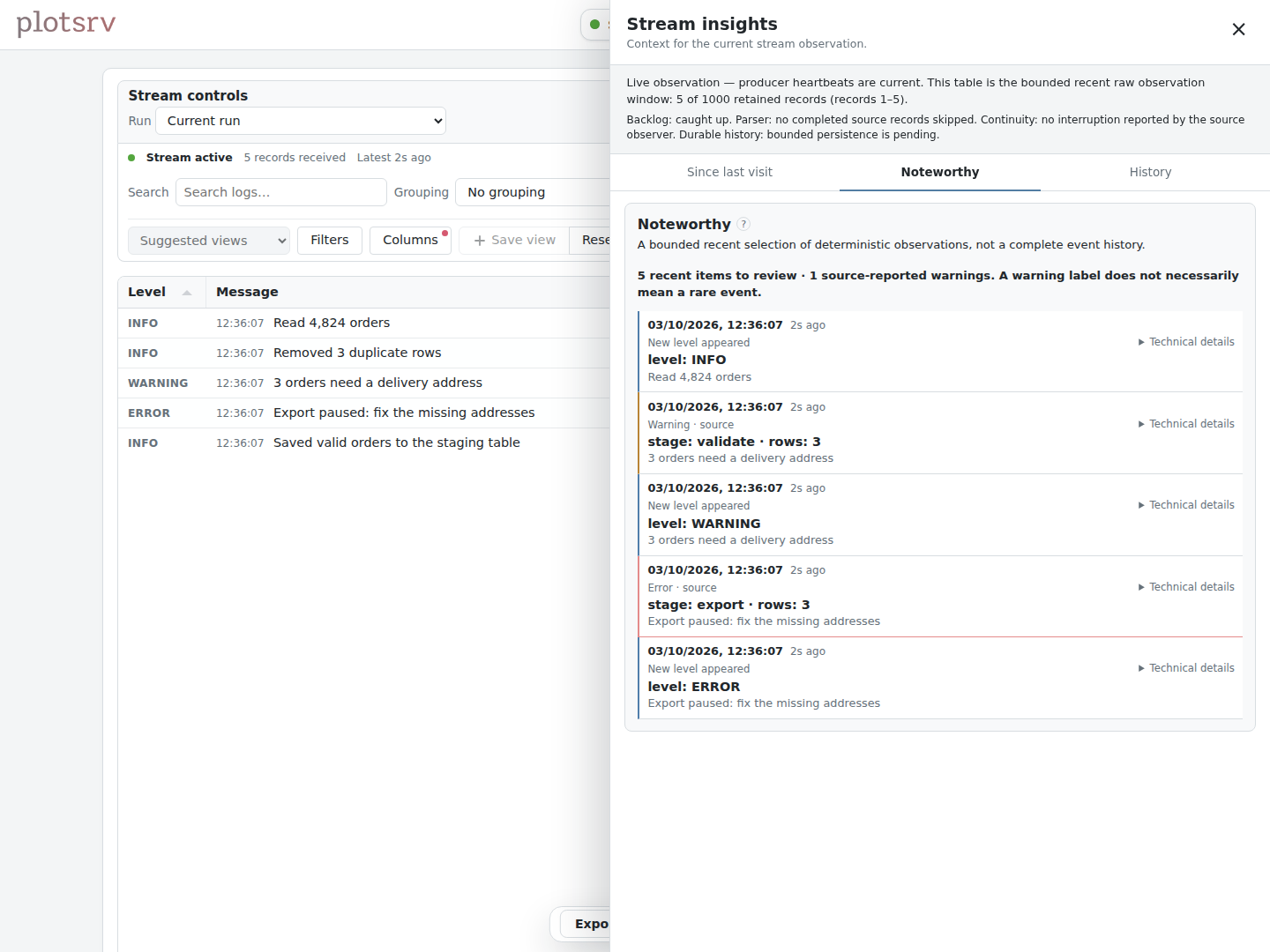
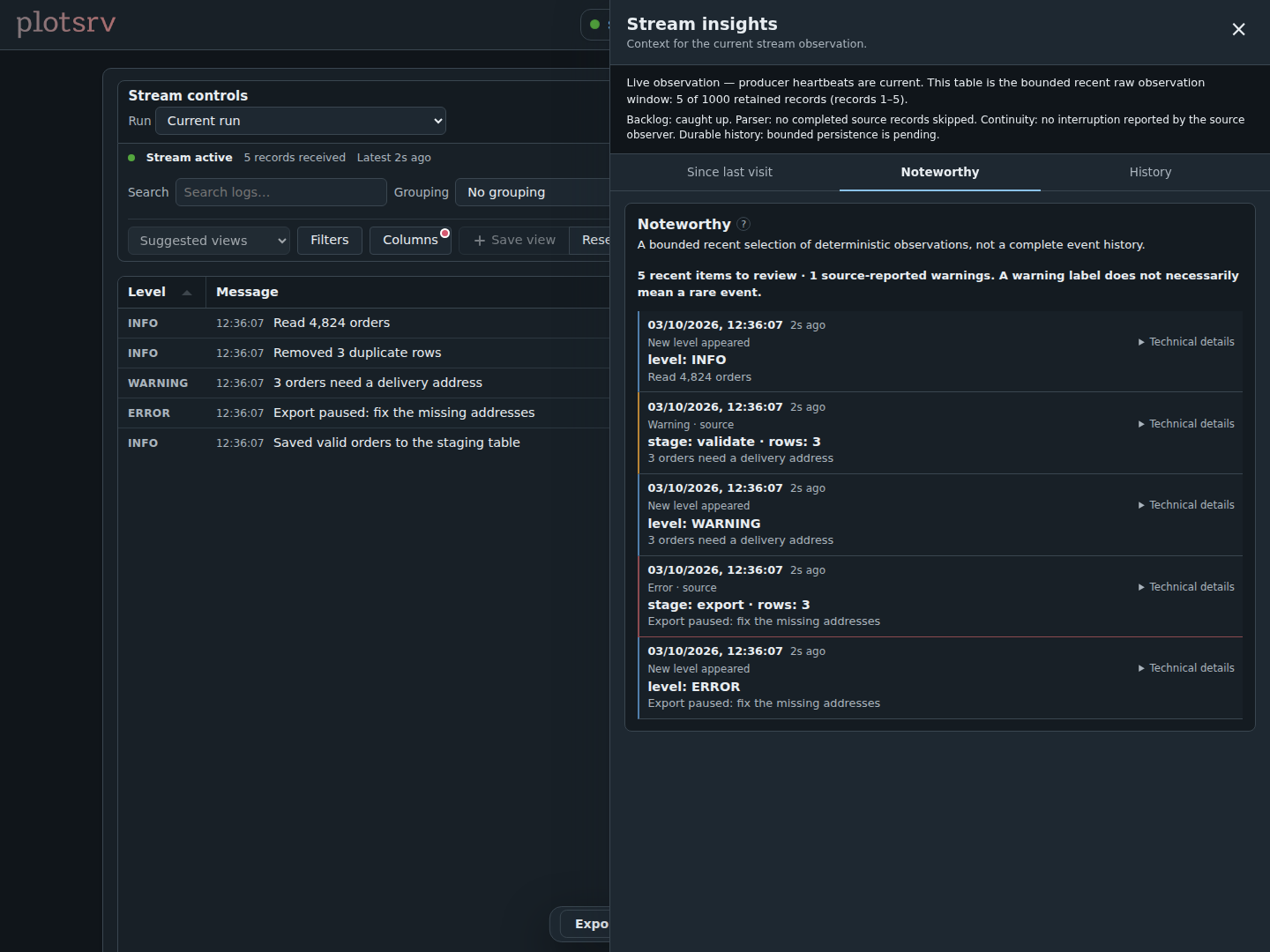
Since last visit compares retained evidence with this browser’s earlier visit when the session is compatible. Noteworthy brings selected events to the front. Neither is a complete error log or a promise that every event was retained.
Return to an earlier run
Each stream registration has a session. The browser can show retained previous sessions, and storage can preserve compact session history across a server restart. Raw records are not stored on disk by default.
A live heartbeat says the observer is connected; it does not prove that the job is doing useful work. A stopped or disconnected stream is labelled separately. If delivery seems stuck, inspect the local observer:
For remote destinations, see Run plotsrv on another machine. For exact formats, continuity, retention, and limits, see Streams and log formats.