Keep history
Want the last five versions of an output? Put this in the server’s plotsrv.yml:
Start or restart the server with that file:
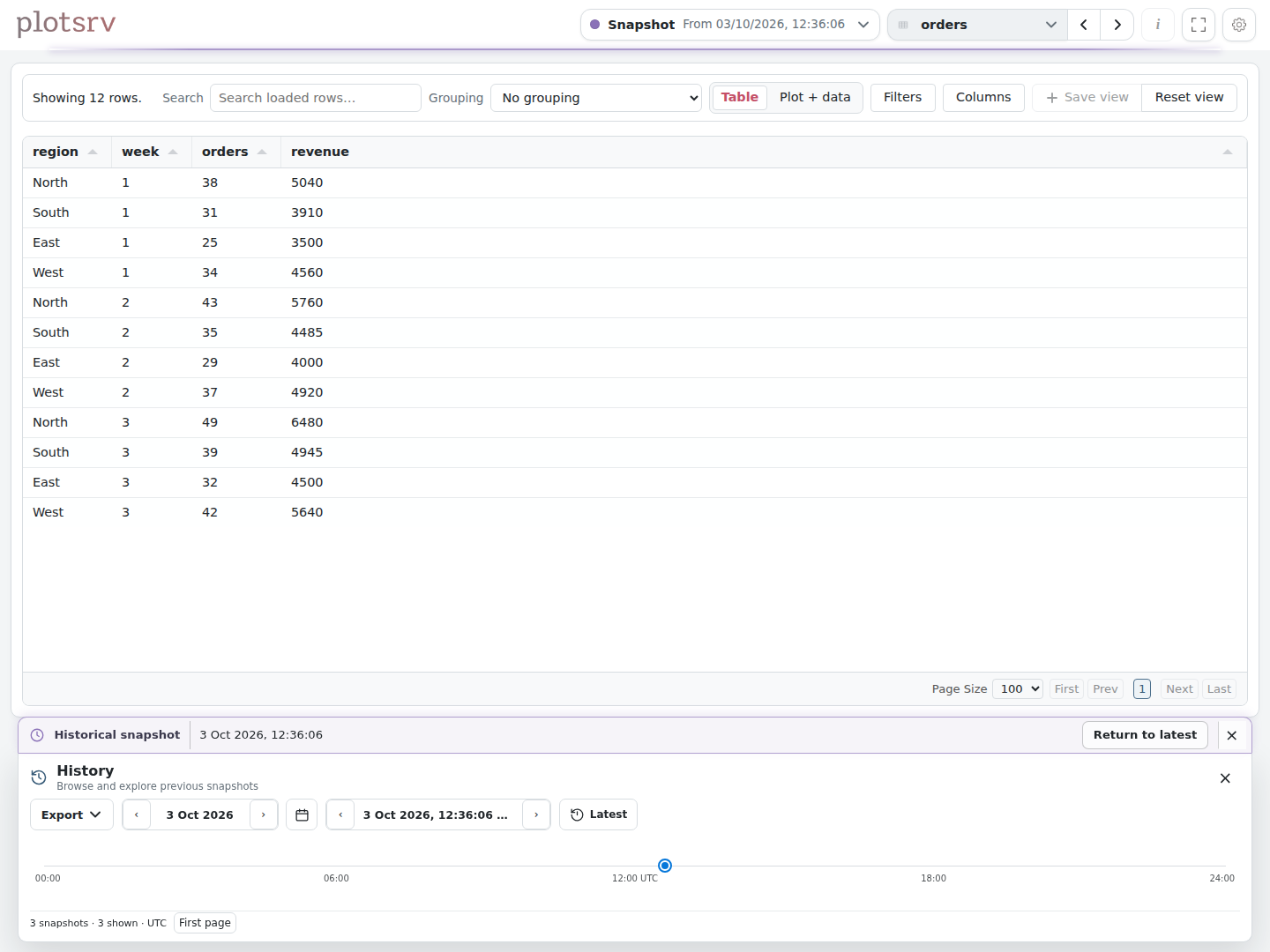
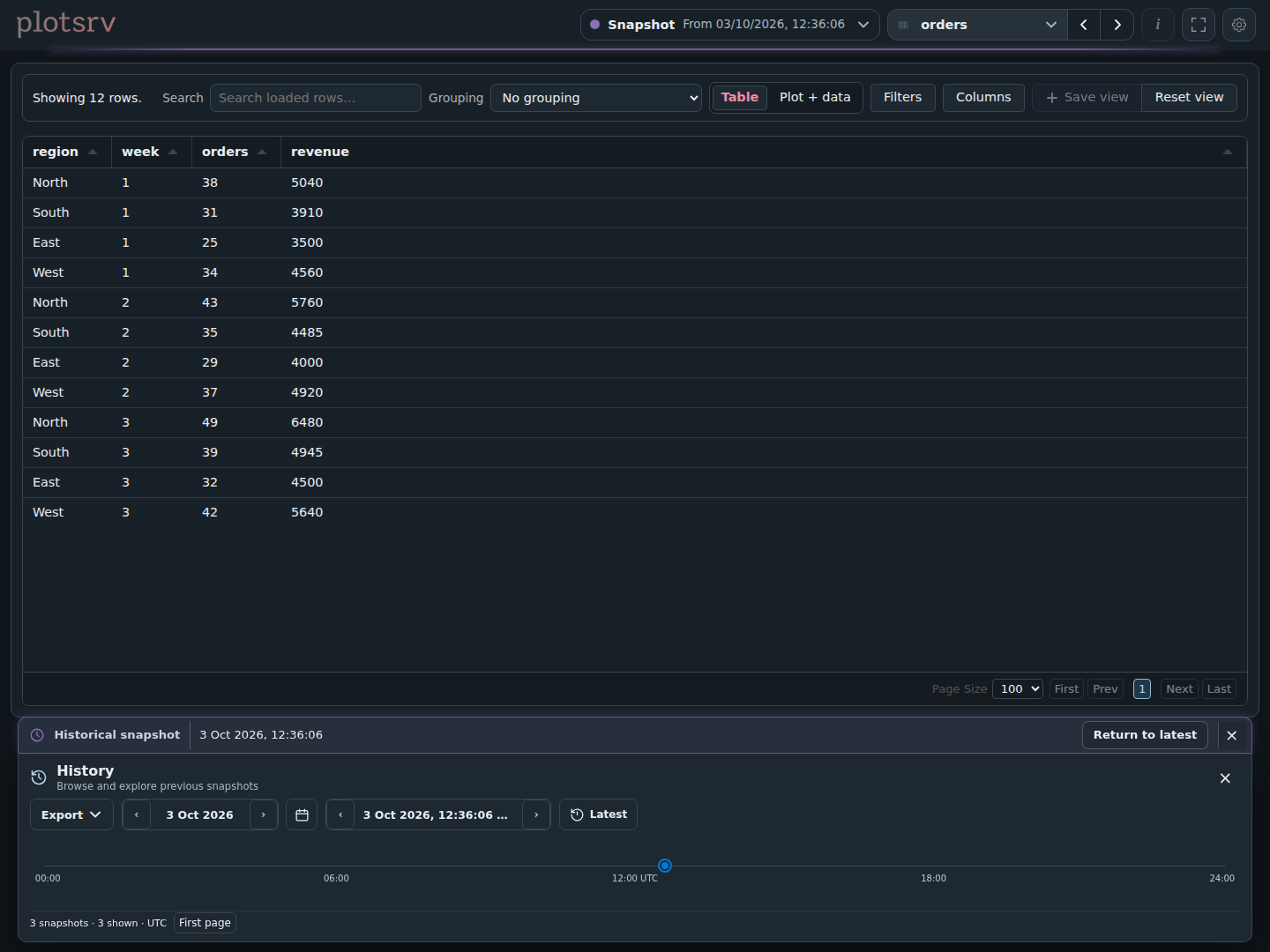
Publish to it as normal. Once snapshots exist, use the bottom history controls to select an earlier version. Live returns to the current output.
Without storage, live views belong to the server process and disappear when it stops. Storage is useful history, not a guaranteed archive: writes have size, queue, and retention limits.
Bring views back after a restart
Enabling storage also enables latest-state persistence by default. Restart
plotsrv serve with the same config and storage directory to restore accepted
stored views. They are labelled as restored while waiting for new data.
plotsrv run normally restores only IDs discovered for that project. For a
combined server that should restore all eligible stored views, set:
A server restricted to an explicit catalogue still enforces that restriction. Restore never makes old data fresh: the original update time remains visible. See restoration rules for the exact scope.
Avoid storing every update
This keeps at most five snapshots per view, with at least an hour between stored snapshots. Latest-state persistence has its own interval; this setting does not stop live publishing or throttle every disk write.
For a noisy view, override its snapshot settings:
Find and compare a version
Use the older/newer controls for nearby snapshots. Open the history timeline to pick a day or find a more distant version. Step between versions to compare them. Historical mode stays labelled until you explicitly return to Live.
Table presentation settings are separate from history. Saving My views keeps filters and plot settings, not the selected snapshot.
Keep watched files or stream runs
Watched-file storage is off by default even when ordinary storage is enabled. To opt a watch in:
Use the actual view ID shown by your watch. File-backed and unsupported payloads have additional restrictions; see Files and watching.
Streams keep compact session history by default when storage is enabled. Use the Run selector to open a retained session. Raw log records remain opt-in, so an old run can have useful insights with no saved table rows. See stream retention before treating this as a log archive.
Inspect the store
Files live under .plotsrv/store by default, relative to the resolved config
location. Keep this directory on persistent storage if the server runs in a
container or disposable working directory.
For deletion commands, retention ceilings, and failure behaviour, see Storage and history reference.