Observe function output
Want to see how a function’s result changes without publishing the whole object?
Start a server with plotsrv serve, then run:
import pandas as pd
import plotsrv as ps

@ps.view(label="orders", section="daily", observe=True, port=8000)
def orders():
    return pd.DataFrame({
        "region": ["North", "South", "North"],
        "amount": [120.0, 80.0, None],
    })

result = orders()
finished = ps.flush_views(timeout=2)
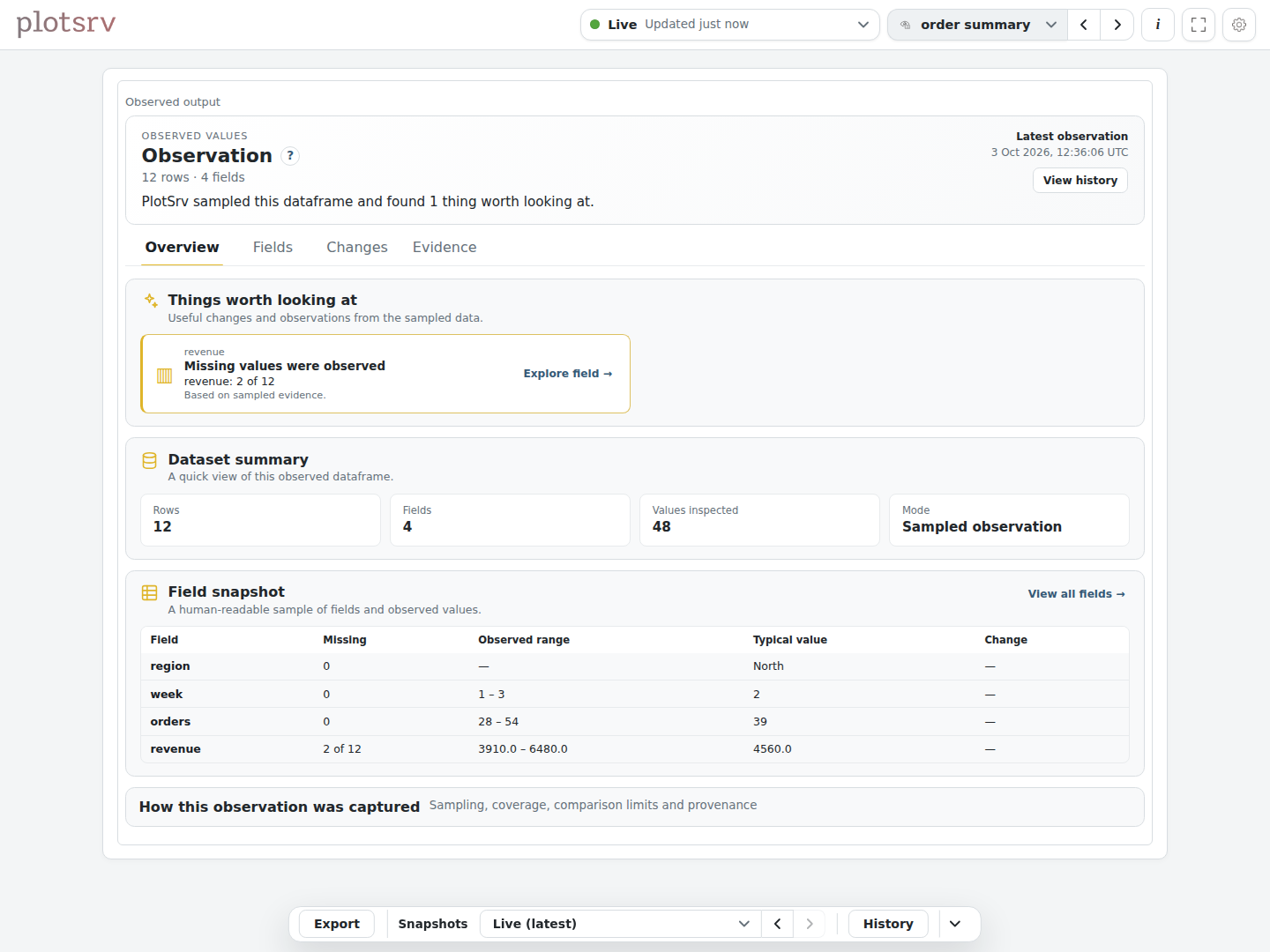
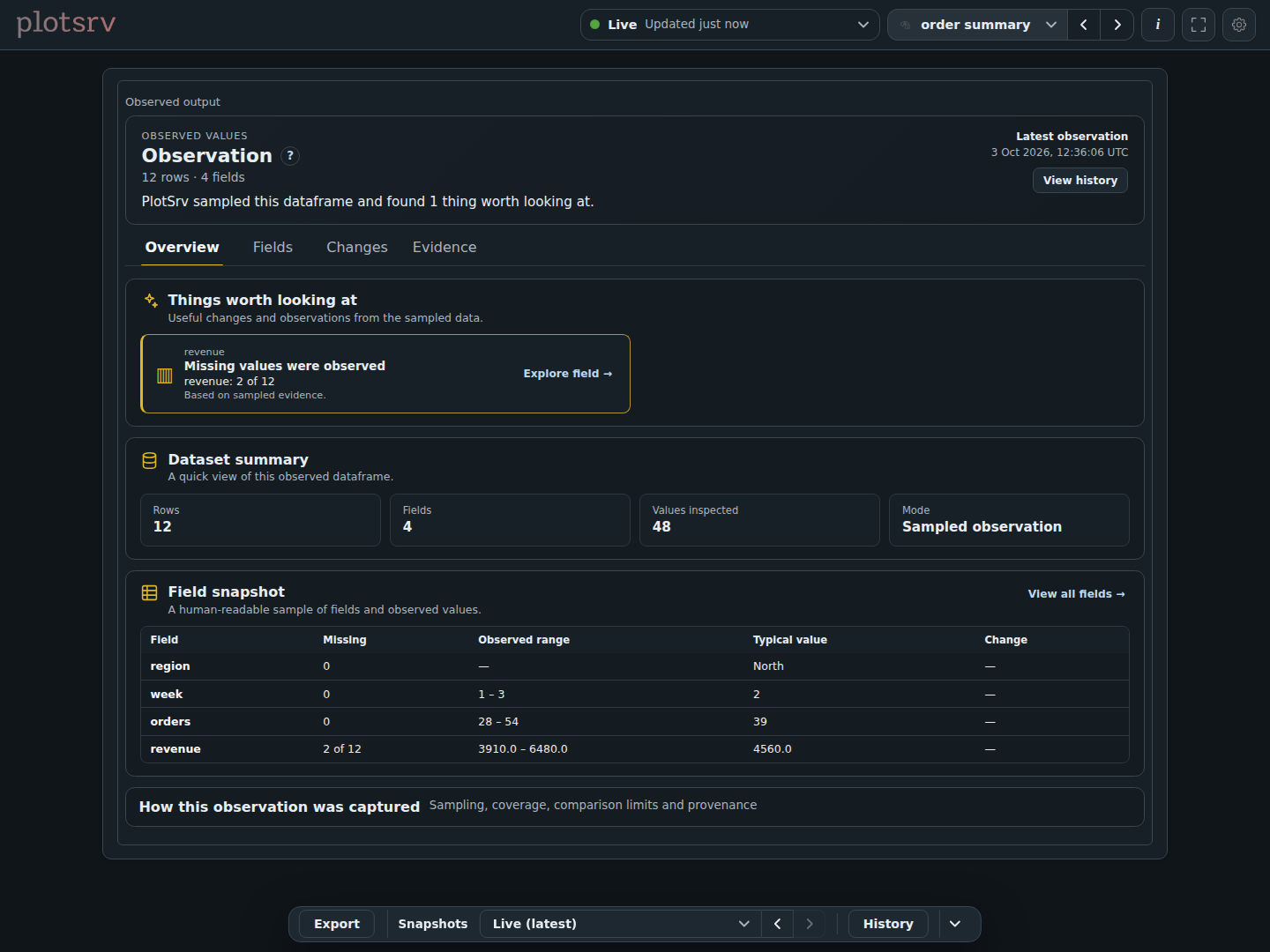
The function still returns the same DataFrame. plotsrv captures a small, bounded summary and prepares it in the background. Open orders to inspect its shape, fields, observed values, and missingness.
flush_views helps a short script wait for background work. It is best effort;
check finished if you need to know whether the wait completed.
Read the summary
Start with Overview for findings and a quick field summary. Open Fields for missing values and observed ranges, or Changes to compare with an earlier compatible observation. The page distinguishes whole-source metadata, such as a known row count, from findings about inspected samples.
A missing value count from a sample is not a count for the whole DataFrame. Unsupported or uninspected fields are labelled; they are not silently treated as complete or empty. Ordinary Polars tables can be published, but observation of Polars storage is currently unsupported.
Open Evidence to filter, group, or plot the inspected values. Where available, Suggested views offers observed missingness, distributions, or compatible recent scalar changes. Adjust a presentation and Save view if you want to return to it. These comparisons are descriptive, not statistical drift tests.
Choose what to inspect
Use options in place of True:
metrics = {"import": {"rows": 123, "seconds": 4.2, "internal_note": "omit this"}}
ps.publish_view(
    metrics,
    observe=ps.ObservationOptions(path=("import",), fields=("rows", "seconds")),
    label="import metrics",
    port=8000,
)
finished = ps.flush_views(timeout=2)
This selects the nested branch and fields before capture. Examples are disabled by default. That does not make observations anonymous: supplied scalars, field names, and bounded category text can still be sent. Review the privacy and selection rules for sensitive data.
Keep the function’s behaviour
Observed functions run once. Return objects, exceptions, and async cancellation keep their normal behaviour. Observation does not inspect every local variable or automatically publish a traceback.
The decorator observes functions, not classes, and requires the default
on_error="raise". Do not combine observation with async_=False: summary
preparation and delivery always happen in the background.
Capture and delivery are bounded. Some updates can be skipped or dropped. Inspect process-wide diagnostics when needed:
For an exact business metric, compute and publish it explicitly. Observation is for a quick look at a result, not a replacement for your validation logic.
See Observation reference for supported types, sample meaning, limits, and historical comparisons, or Keep history to store exported summaries.