Keep an eye on a job
If a job should update every hour, plotsrv can show when it hasn’t.
Add this to the server’s plotsrv.yml, then restart it:
Run the job as normal. After 90 minutes without an update, its view is stale. After two hours, it is overdue. Open the header status button to inspect arrival times and current status.
These thresholds apply to ordinary published views. Watched files need an explicit per-view freshness entry: a static file is not necessarily late. See freshness settings.
Check a value
Publish a small metric dictionary to an existing server:
Add a server-side rule and restart the server:
checks-settings:
  enabled: true
  rules:
    - id: import-errors
      name: Import errors
      source: daily:metrics
      kind: state
      path: [errors]
      op: gt
      value: 0
      severity: warning
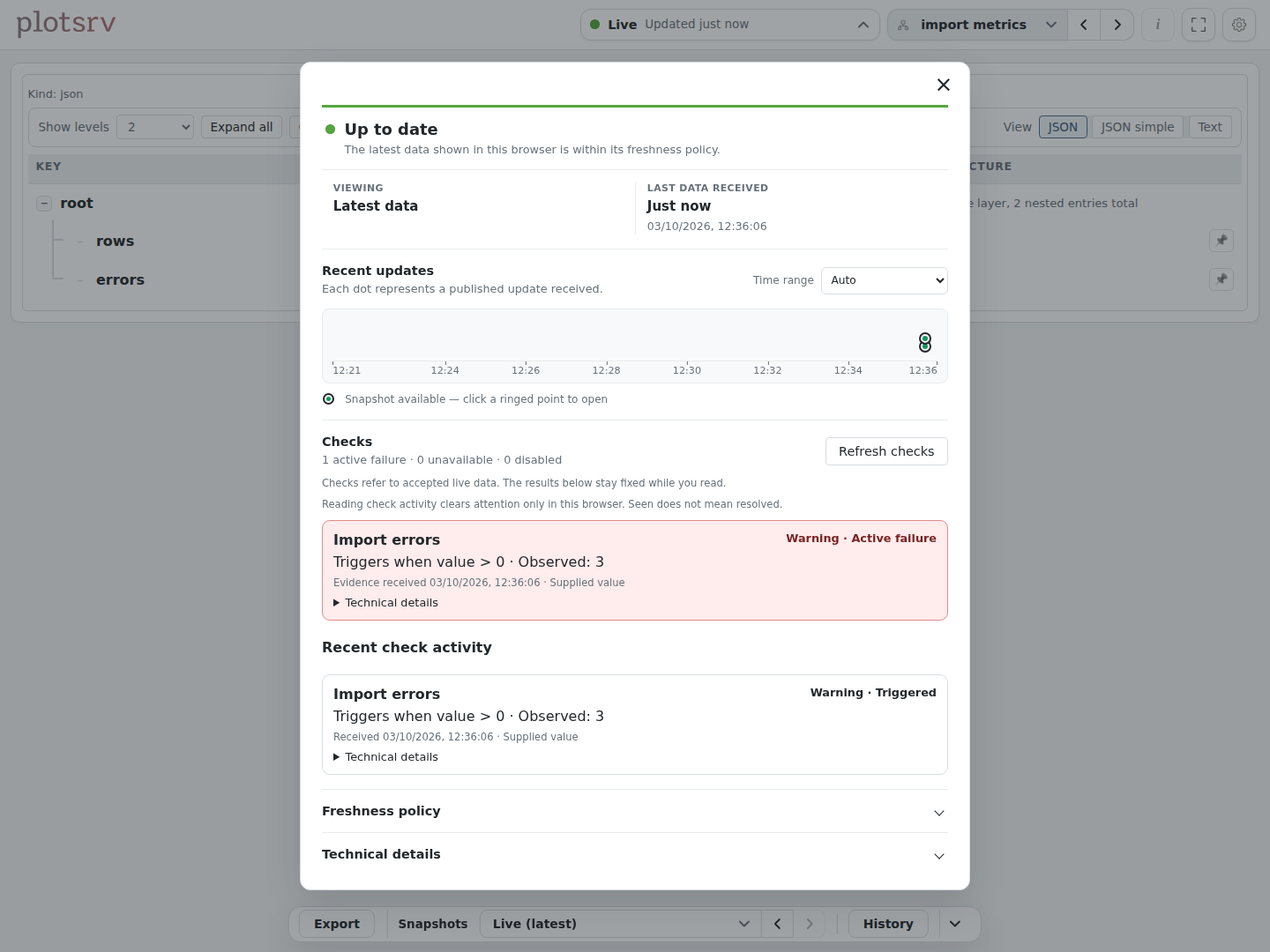
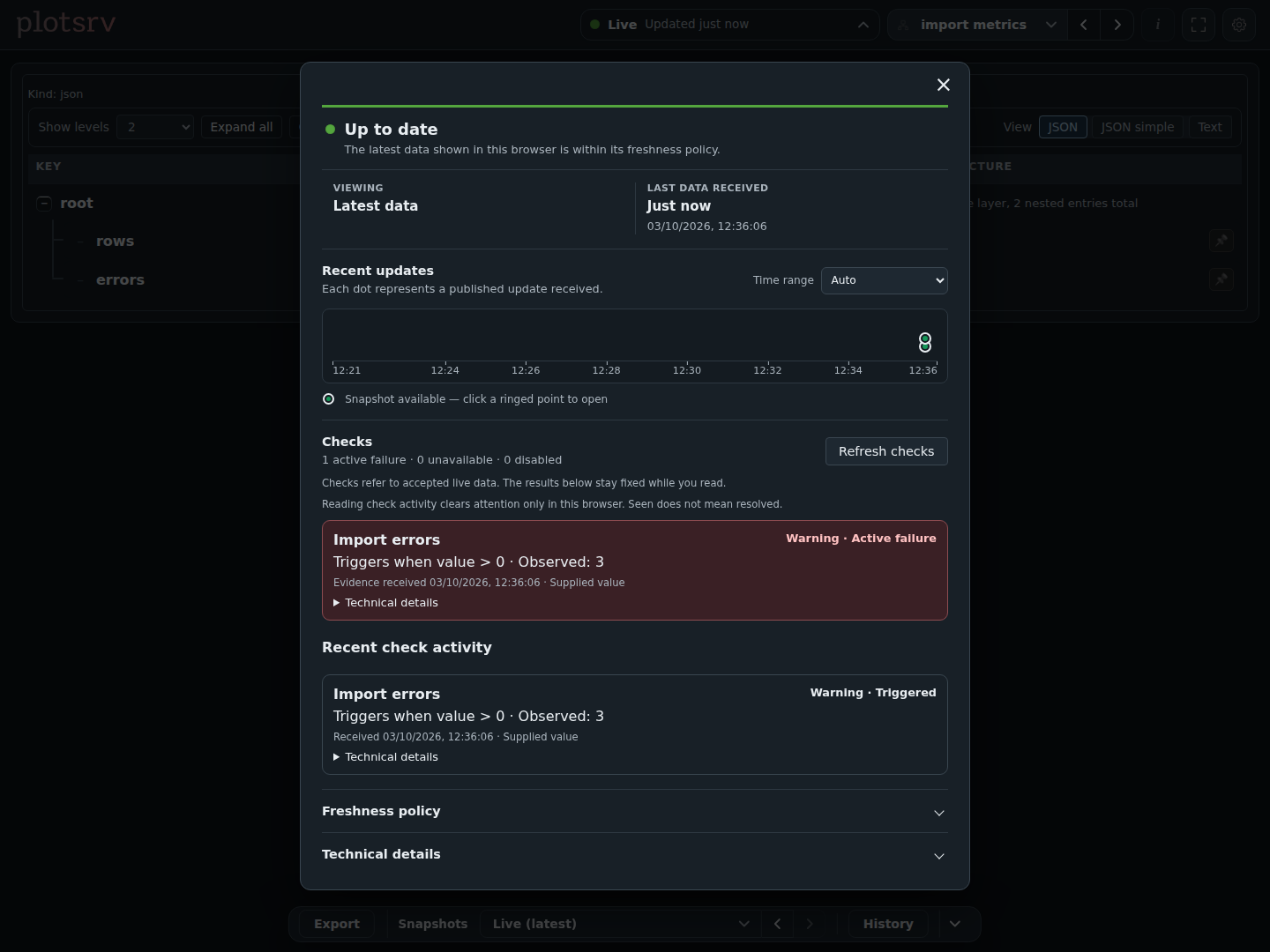
Publish {"errors": 3} next. The check now triggers. Publish zero again to recover.
Missing data is unknown, not an all-clear. Checks work without snapshot storage or
an open browser; they evaluate accepted published data.
Open the header status button for Checks. Reading new activity clears this browser’s attention marker; it does not resolve an active failure. The first accepted value establishes the baseline, so an initially failing check is visible but does not manufacture a transition notification.
Send a webhook
Add a destination to the server config:
webhook-settings:
  destinations:
    ops:
      url: https://receiver.example.test/hooks/plotsrv
      headers_env:
        Authorization: PLOTSRV_WEBHOOK_AUTH
Then add notify: [ops] to the rule above. Set PLOTSRV_WEBHOOK_AUTH in the
server’s environment to the receiver’s complete header value, for example its
Bearer … credential, and restart the server. Replace the example URL with an
endpoint you control. Omit headers_env if the receiver needs no authentication.
The receiver gets plotsrv’s JSON event format. A vendor endpoint expecting another schema needs an adapter. Delivery has retries, cooldowns, and bounded queues; it is not a durable notification service.
Webhooks notify on check events, not freshness transitions. A late view is visible in the browser, but these settings alone do not send an “overdue” webhook. Do not rely on this page as an unattended missed-job alert service.
Check a stream or an observation
A stream event rule can match a field in each accepted structured record. An observation rule can check a supported metric in a stated sample scope. Neither implicitly aggregates your full table or parses arbitrary text into business metrics. Start with a small supplied dictionary when you need an exact count.
For operators, supported inputs, event/baseline behaviour, and delivery rules, see Checks, Webhooks, and Configuration reference.